
Your network is the backbone of everything you do online—yet slow speeds, outages, and bottlenecks can quietly cost you time and money. That’s where artificial intelligence is changing the game. How AI is improving network performance is no longer a futuristic concept; it’s happening right now, in data centers, offices, and homes around the world.
In this article, we’ll break down the practical ways AI monitors traffic, predicts failures, and optimizes bandwidth automatically—so you can enjoy faster, more reliable connections without constant manual troubleshooting. Let’s dive in.
Introduction
Networks have become the central nervous system of modern life. Every video call, cloud application, payment transaction, and connected device depends on data moving quickly and reliably from one point to another. As networks grow more complex—spanning homes, offices, data centers, and public clouds—the job of keeping them fast, stable, and secure has become harder for humans to manage alone. That is where artificial intelligence enters the picture.
AI is not a magic switch that instantly fixes every dropped packet or slow download. Instead, it is a set of techniques that help networks observe themselves, predict problems, and adjust automatically. This article explores How AI Is Improving Network Performance with clear, practical guidance. You will learn the core ideas behind AI-driven networking, see how they work in real environments, and get a step-by-step path you can follow whether you manage a small office network or simply want to understand the technology shaping your internet connection.
Understanding the fundamentals of How AI Is Improving Network Performance helps you make informed decisions. Reliable information and consistent habits lead to better long-term outcomes. By the end of this guide, you should be able to separate realistic benefits from marketing hype and know where to start.
Key Concepts
Before diving into tools and tactics, it helps to understand a few building blocks. AI in networking is not one single product. It is a collection of methods that share a common goal: using data to make better decisions faster than manual processes allow.
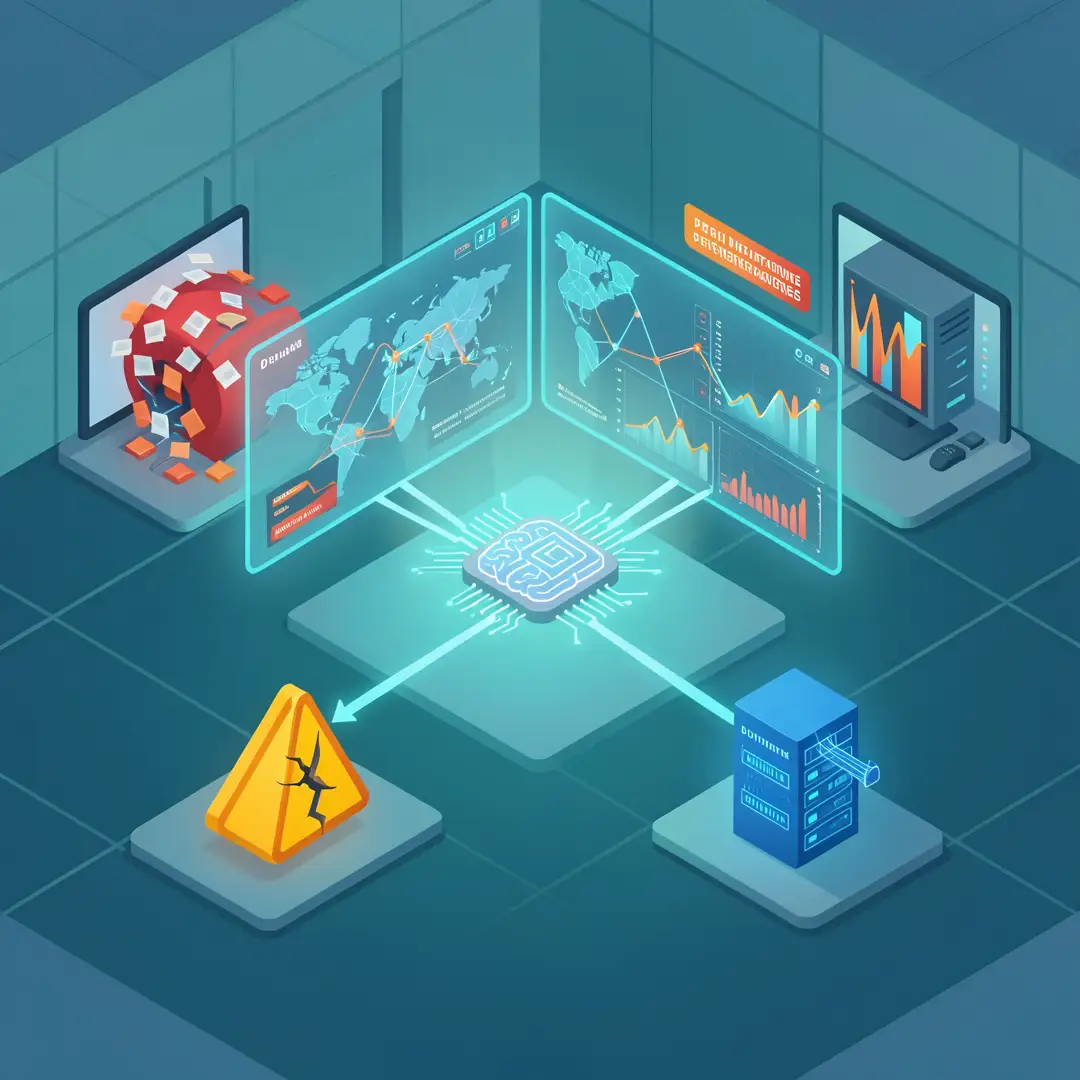
Telemetry and data collection
AI systems need data. In networking, that data comes from telemetry—continuous measurements such as latency, packet loss, jitter, bandwidth usage, device temperature, and error rates. Modern network equipment can report thousands of metrics per second. Without AI, much of this data sits unused because no human team can watch every chart in real time.

Machine learning models
Machine learning is the engine that turns raw telemetry into insight. Two broad categories matter most for networks:
- Supervised learning: Models trained on labeled examples, such as past incidents where a specific pattern preceded an outage. These models learn to recognize the same pattern early.
- Unsupervised learning: Models that find unusual behavior without being told what to look for. This is useful for detecting novel attacks or strange traffic that has never been seen before.
Closed-loop automation
The real performance gains come when AI does not just alert but acts. A closed loop means the system senses a problem, decides on a fix, applies it, and then checks whether the fix worked. For example, if a video conference starts stuttering, the network can automatically steer that traffic to a less congested path—often in milliseconds, long before a user would call support.
Intent-based networking
Instead of configuring dozens of devices with individual commands, administrators state an intent, such as “prioritize voice traffic” or “keep guest Wi-Fi isolated.” AI translates that intent into the necessary configuration across all devices and continuously verifies that reality matches the intent.
Digital twins
A digital twin is a software replica of the network. AI can test changes on the twin before applying them to the live network, catching misconfigurations that would otherwise cause outages. This reduces risk and speeds up change management.
Deep Dive
To see how these concepts translate into better performance, it helps to look at specific areas where AI makes a measurable difference.
Predictive fault detection
Traditional monitoring is reactive. An alarm sounds after something breaks. AI shifts the model to predictive. By analyzing trends in signal strength, memory usage, or interface errors, models can flag a failing component hours or days before it fails. In a large campus network, this might mean replacing a switch power supply during a maintenance window instead of during a busy Monday morning.
Dynamic traffic routing
Networks are not static. Traffic surges during video calls, backups, or large file transfers. AI-driven routing looks at current conditions across all available paths and sends each flow where it will perform best. This is similar to a GPS rerouting you around traffic, but it happens continuously and at machine speed. The result is lower latency and fewer buffering events.
Wi-Fi optimization
Wireless networks are especially sensitive to interference, device density, and physical obstructions. AI can adjust channel assignments, transmit power, and band steering automatically. In a home with many smart devices, this can mean fewer dropouts. In an office with hundreds of laptops, it can mean stable throughput even as people move between rooms.
Security and performance together
Security incidents often look like performance problems at first—unusual traffic, slow responses, or unexplained bandwidth consumption. AI can correlate security events with performance data to distinguish a DDoS attack from a simple traffic spike. This reduces false alarms and lets teams respond to the right problem.
Energy efficiency
Performance is not only about speed. AI can put idle parts of a network into low-power states and wake them when demand rises. Data centers use this to cut electricity costs without hurting user experience. The same principle applies to office networks that are quiet at night.
Limits and cautions
AI is powerful but not infallible. Models can drift as network conditions change. They can also produce confident but wrong recommendations if trained on poor data. That is why human oversight remains essential. The best results come from a partnership: AI handles speed and scale, humans handle judgment and accountability.
Best Practices
Getting value from AI networking is less about buying the most expensive tool and more about following disciplined habits. The following practices apply to organizations of any size.
- Start with clean data. AI models are only as good as the telemetry they receive. Ensure clocks are synchronized, metrics are consistent, and logging is complete before expecting accurate predictions.
- Define success in measurable terms. Instead of “improve performance,” aim for “reduce average latency by 20 percent” or “cut repeat Wi-Fi disconnects in half.” Clear targets make it possible to judge whether AI is helping.
- Keep humans in the loop. Begin with AI that recommends actions rather than executes them. As trust grows, expand automation carefully.
- Test changes on a digital twin or lab network. Never let an AI system push untested configuration changes directly to production.
- Monitor for model drift. Schedule regular reviews of model accuracy. Retrain when performance degrades.
- Document intent and policy. Write down what you want the network to prioritize. This becomes the reference for both AI and human operators.
- Review security implications. Automated systems need strong access controls. A compromised AI controller could cause widespread disruption.
- Educate your team. Staff should understand what the AI does, what its limits are, and when to override it.
Reliable information and consistent habits lead to better long-term outcomes. Skipping basic hygiene in favor of flashy automation usually leads to disappointment.
Step-by-Step Guide
If you want to apply AI to improve network performance, follow these steps in order. They work for a home lab, a small business, or an enterprise pilot.
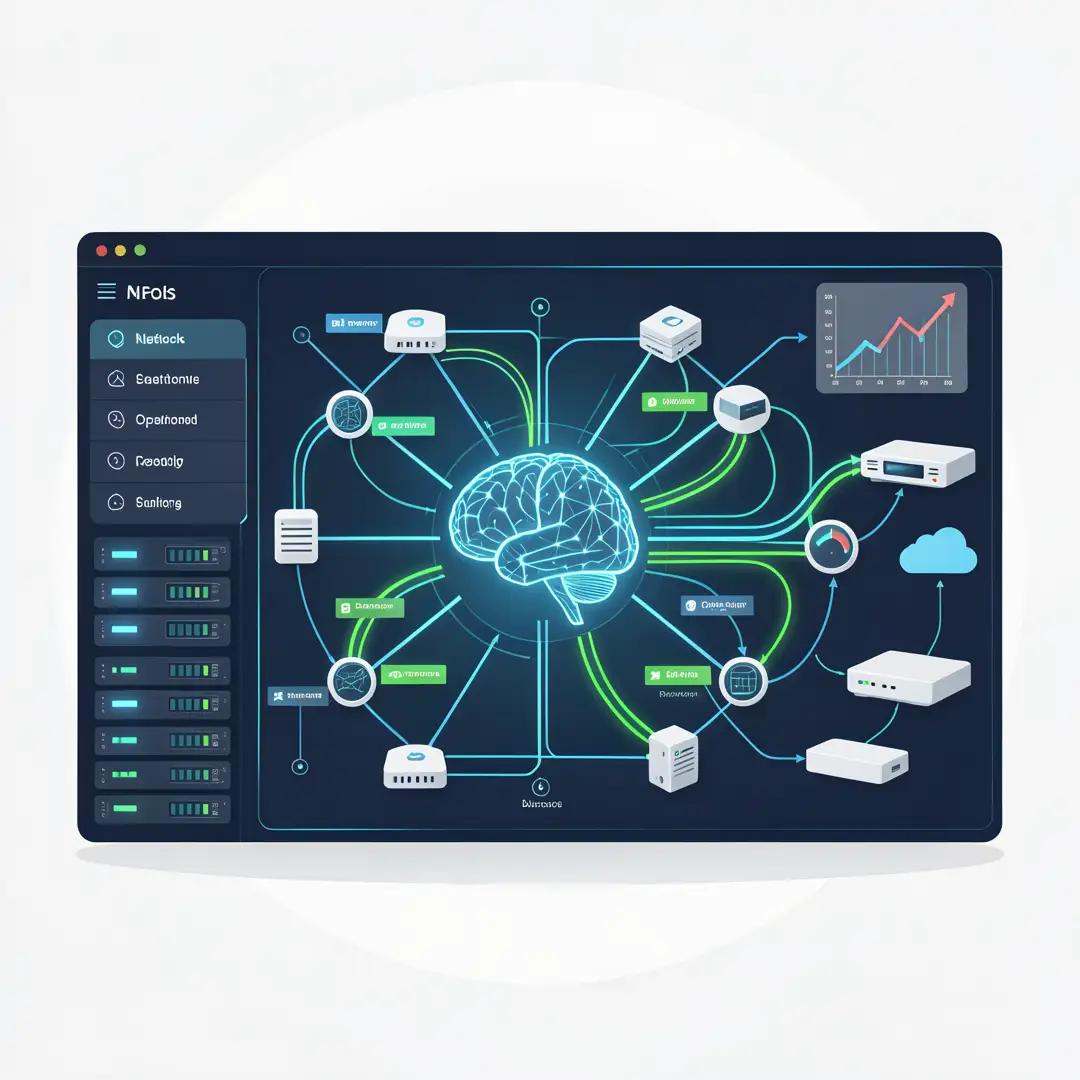
Step 1: Understand the fundamentals
Before adopting any tool, learn the vocabulary. Read about telemetry, machine learning models, and closed-loop automation. Understand the difference between correlation and causation—just because two metrics move together does not mean one causes the other. This foundation prevents costly mistakes and helps you ask vendors the right questions. You do not need to become a data scientist, but you should be able to explain what the system is doing and why.
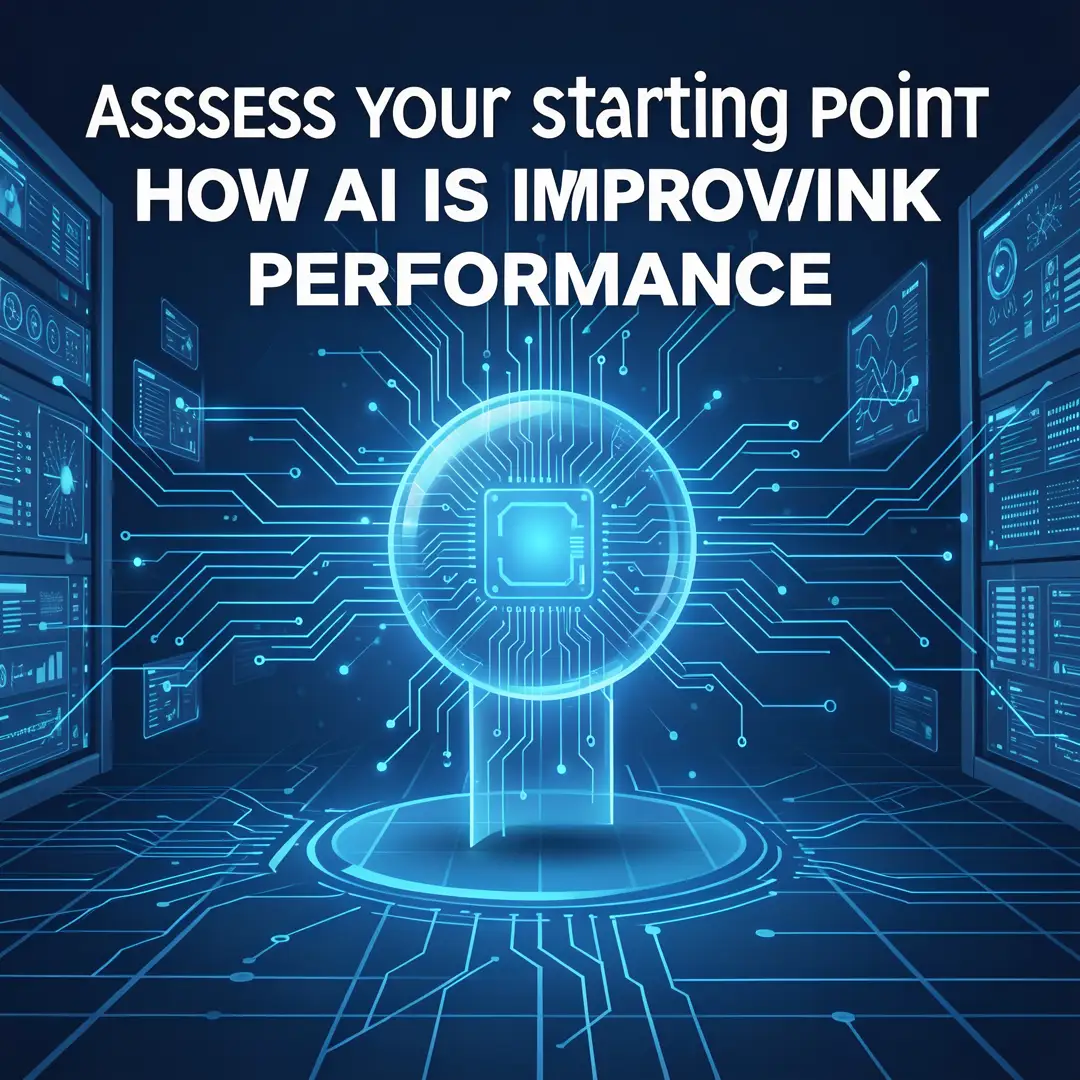
Step 2: Assess your starting point
Take stock of your current network. What monitoring tools do you already have? What data do they collect? Where are the biggest pain points—slow video, dropped calls, recurring outages, or high energy costs? Write these down. Also note any gaps, such as devices that do not report metrics or logs that are not centralized. This assessment becomes your baseline for measuring improvement.
Step 3: Set clear goals
Translate your pain points into specific, measurable goals. For example, “reduce average web page load time by 15 percent” or “eliminate unplanned downtime during business hours.” Prioritize one or two goals for your first project. Trying to fix everything at once spreads resources too thin and makes it hard to attribute results. Share these goals with everyone involved so expectations are aligned.
Step 4: Gather necessary resources
Decide what you need. This may include upgraded switches or access points that support rich telemetry, a centralized logging platform, and an AI-enabled network management system. It also includes people: someone to own the project, someone with data skills, and someone with network operations experience. Budget for training, because tools without skills deliver little value. If resources are limited, start with a free or low-cost monitoring tool and a single pilot area.
Step 5: Apply the core methods
Now put AI to work in a controlled way. Begin with visibility: collect and visualize telemetry. Then add anomaly detection to flag unusual patterns. Next, introduce predictive alerts for likely failures. Finally, enable limited automation—such as automatically rerouting traffic for a specific application or adjusting Wi-Fi channels during peak hours. Keep the scope small and expand only after you see reliable results. Always test changes on a replica or lab network before touching production.

Step 6: Monitor your progress
Track the metrics you identified in Step 3. Compare them against your baseline. Are latency and packet loss going down? Are outages less frequent? Are users reporting fewer problems? Also monitor the AI system itself: is it making accurate predictions, or are there false alarms? Review results weekly at first, then monthly. Adjust goals, retrain models, and refine automation as you learn. Consistent review turns a one-time project into an ongoing improvement cycle.
FAQ
What should I know about How AI Is Improving Network Performance?
The most important thing to know is that AI improves network performance by using data and automation to detect problems earlier, route traffic more efficiently, and reduce manual effort. It is not a replacement for good network design or security practices. Real benefits come from clean data, clear goals, human oversight, and consistent monitoring. Expect incremental gains rather than instant transformation, and be wary of vendors promising fully autonomous networks with.
You now have a solid foundation for How AI Is Improving Network Performance. Apply the best practices above and revisit this guide as your needs evolve.